Basic Information
- To write a program, you only need a simple text editor. There are great text editors available that are free and that make coding easier. At the end of CSC 1300 and starting in CSC 1310 will be using VS Code as our text editor.
- To run a C++ program, you need a C++ compiler. There are many out there – TDM-GCC, XCode, MinGW, Cygwin, etc. The compiler you use will be based on your operating system.
- There are instructions on this page for getting your computer set up in Windows, Mac, and Linux
Directions for Setting up on Windows
In this step-by-step tutorial, you will learn to install and configure VS Code on your Windows computer to use the MinGW compiler. After configuring VS Code, you will compile a simple C++ program in your Command Prompt.
STEP ONE: Download, Install, & Test MinGW (Windows only)
STEP TWO: Install & Set Up VS Code on Windows
STEP THREE: Disable All GenAI in VS Code
STEP FOUR: VS Code: Write, Compile, & Run C++ Code
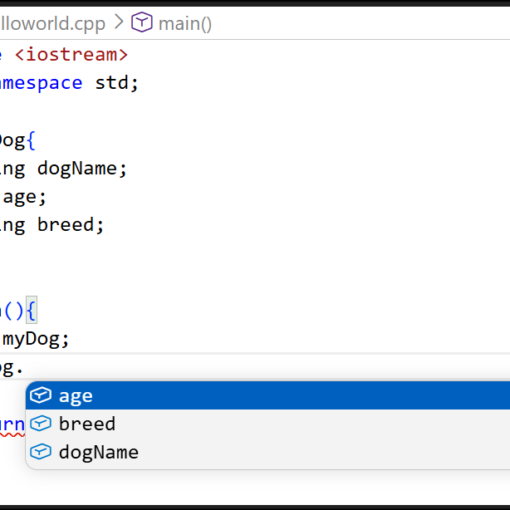
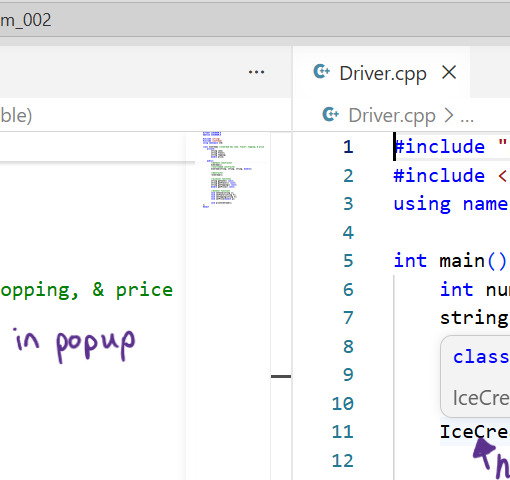
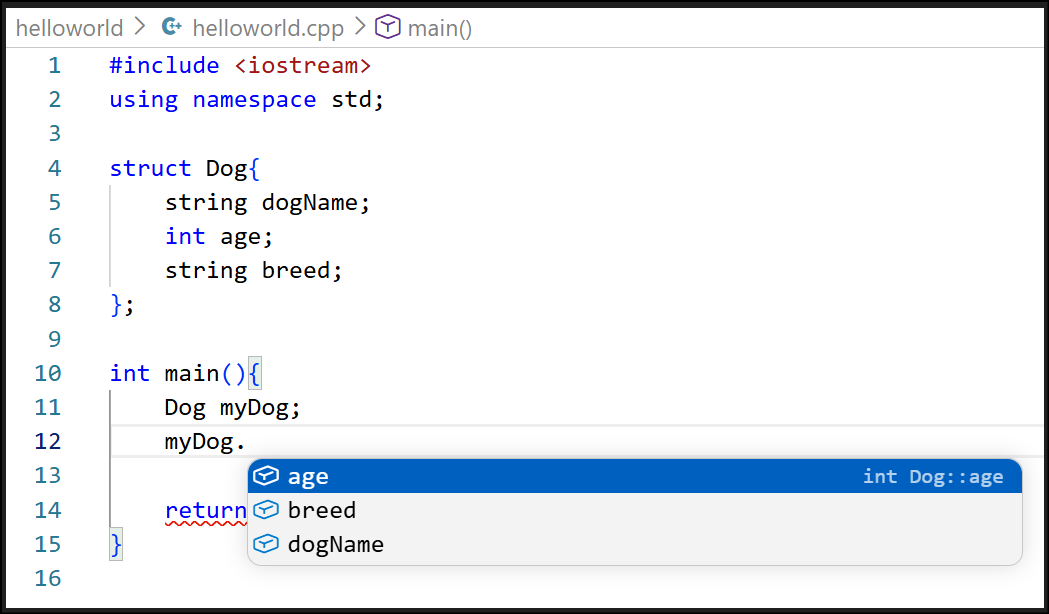
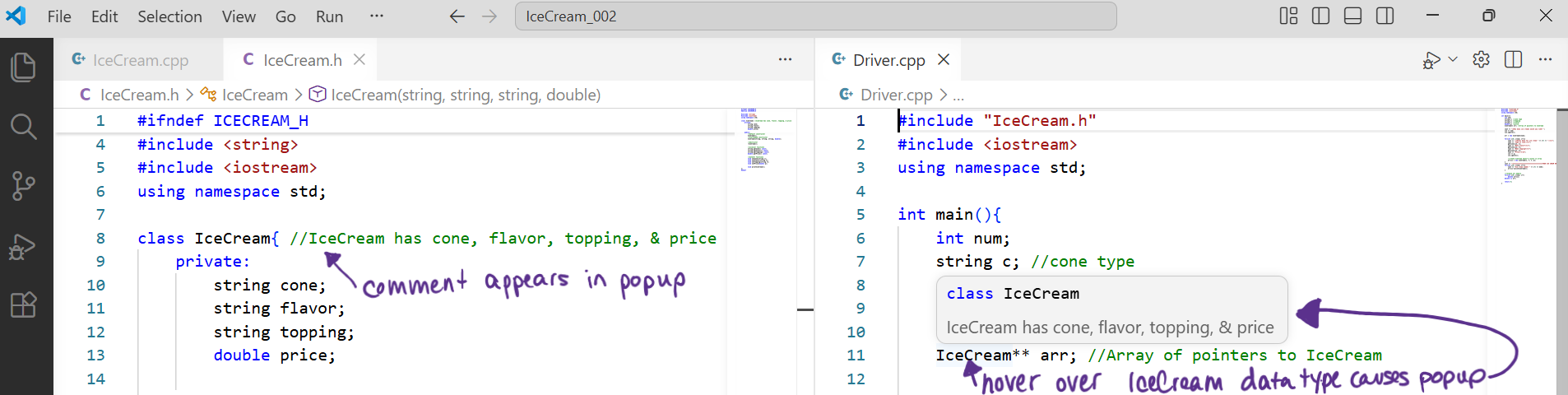
STEP FIVE: Take a Look at Some VS Code Features
Directions for Setting up on MacOS
In this step-by-step tutorial, you will learn to install and configure VS Code on your Windows computer to use the MinGW compiler. After configuring VS Code, you will compile a simple C++ program in your Command Prompt.
STEP ONE: Clang Compiler for macOS to Compile C++
STEP TWO: Install & Set Up VS Code for macOS
STEP THREE: Disable All GenAI in VS Code
STEP FOUR: VS Code: Write, Compile, & Run a C++ Program
STEP FIVE: Take a Look at Some VS Code Features
Directions for Setting up on Linux
In this step-by-step tutorial, you will learn to install and configure VS Code on your Windows computer to use the MinGW compiler. After configuring VS Code, you will compile a simple C++ program in your Command Prompt.