
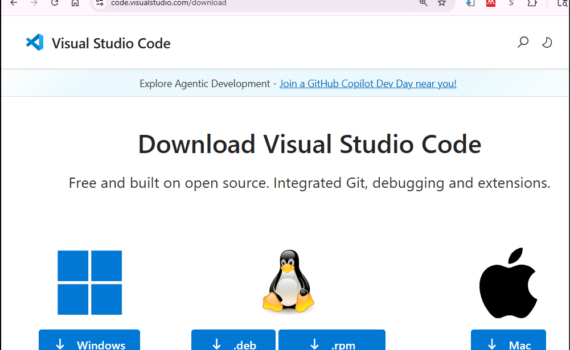
STEP ONE: Install VS Code STEP TWO: Install C++ Extension to VS Code STEP THREE: Disable all GenAI in VS Code STEP FOUR: VS Code: Write, Compile & Run C++ Code STEP FIVE: VS Code Features You May Like
Daily Archives: April 15, 2026
2 posts
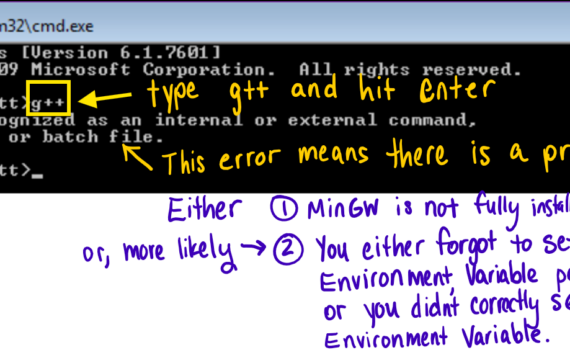
STEP ONE: Pause Your Antivirus Software If you have any antivirus software (Norton, TotalAV, Guardio, Avast, AVG, Aura, Bitdefender, Surfshark, Avira, etc.) on your computer, pause it so that you can fully download the zip file in the next step. If you do not know how to pause your antivirus, […]